ROOM FEATURES
MENU
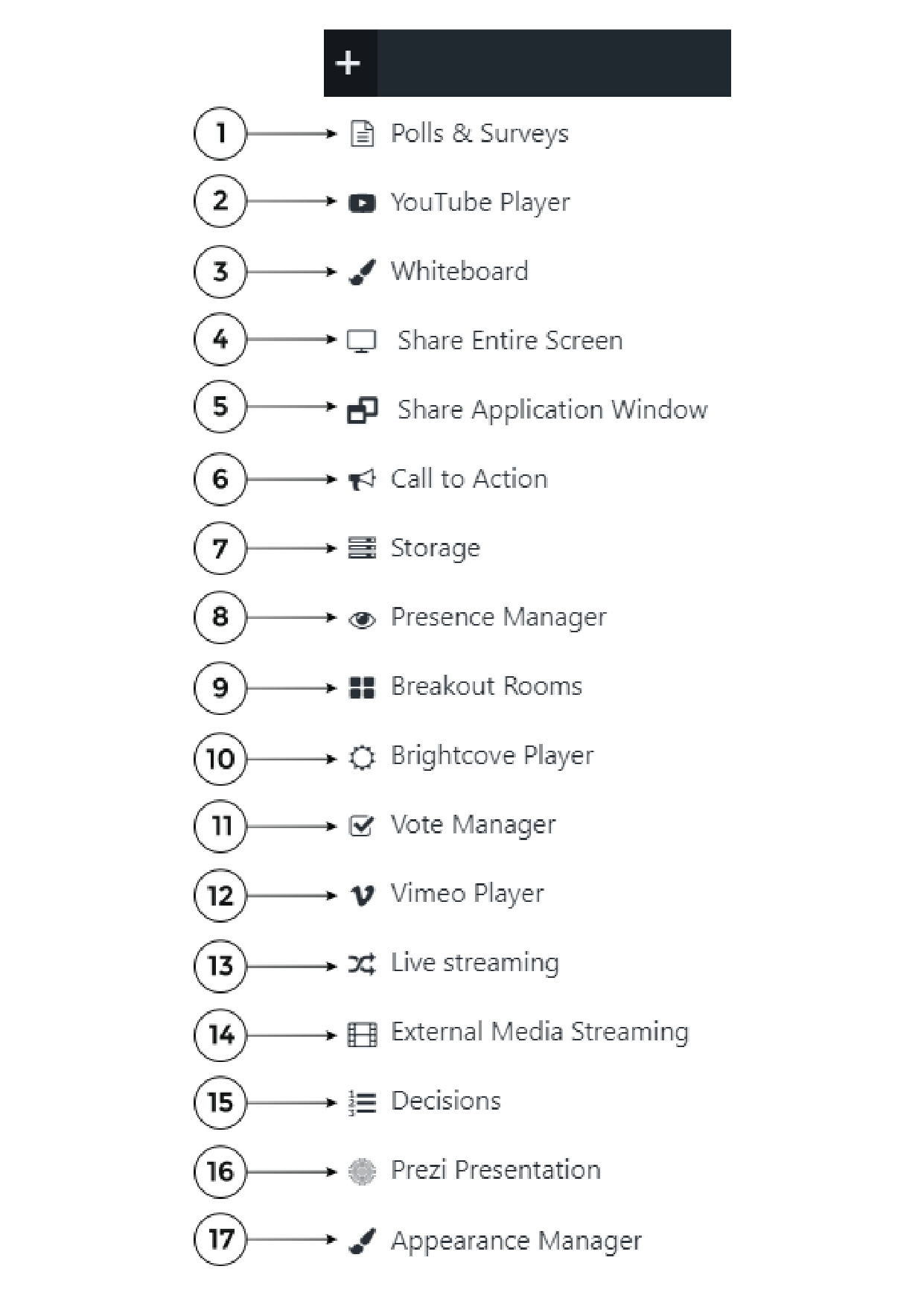
COMPONENTS MENU
1. Polls & Surveys
- allow you to create questionnaires without limitations in the number
of the questions. You can create a poll during the meeting/session directly in the room.
2. YouTube Player
- allows you to play videos from YouTube player to your audience in
the room straight from HTML5Meeting.
3. Whiteboard
- allows you to mark, draw and stamp on the screen or opened document
just like on the traditional whiteboard.
4. Share Entire Screen
- allows you to share your screen with the attendees in your room.
5. Share Application Window
- allows you to share only the application you choose with
the attendees in your room.
6. Call to Action
- allows you to create button that can appear on the attendees’ screens
with ex. special offer for your webinar, extra sale or bonus prepared for them.
7. Storage
- here you can keep all your files, recordings and documents which you need
during the meeting/webinar.
8. Presence Manager
- allows you to control if the attendees of your meeting/webinar are engaged in the event. The participant needs to confirm his/her presence when the pop up appears on the screen.
9. Breakout Rooms
- allows you to split the participants in the meeting/webinar into separate virtual groups. This is useful ex. if you are holding an online training. It gives you the chance to collaborate with each of the groups separately
and splitting into groups is very easy and quick.
10. Brightcove Player*
- allows you to play videos from Brightcove player to your audience in the room straight from HTML5Meeting.
11. Vote Manager
- allows you to place questions with yes or no answers in the real time during ex. meeting/ webinar. It also allows you to create custom answers to the given question.
12. Vimeo Player
- allows you to play videos from Vimeo player to your audience in the
room straight from HTML5Meeting.
13. Live Streaming
- allows you to stream the room/session to YouTube, Facebook, Vimeo, Periscope or any other platform on Live TV. People will be able to view your
webinar/meeting on social media.
14. External Media Streaming
- allows you for professional streaming to HTML5Meeting from external sources like encoders, pro cameras (also including 360 a/v content) etc.
15. Decisions
- allows you to define the importance of each group during voting.
14. Prezi Presentation
- allows you to share Prezi presentation directly from Prezi webiste
14. Appearance Manager*
- allows you to edit room layout and customize it with your
company colours, background, logo and many others.
* Only for Enterprise accounts